Make an AI rap video from your photo
Add a photo, pick a stage, press one button: AI writes the verse and raps it. Want it more yours? The extras are right below.
Rap videos made with AI
Clips made on rapgen from AI-generated portraits of people who do not exist. Tap one to play it.
One photo, a ready-made scene
Unofficial fan templates: pick one, add a photo and press Make. The price is shown before you pay.
Optional extras for your AI rap video
You never need them. They are one tap away when you want your video to be more yours.
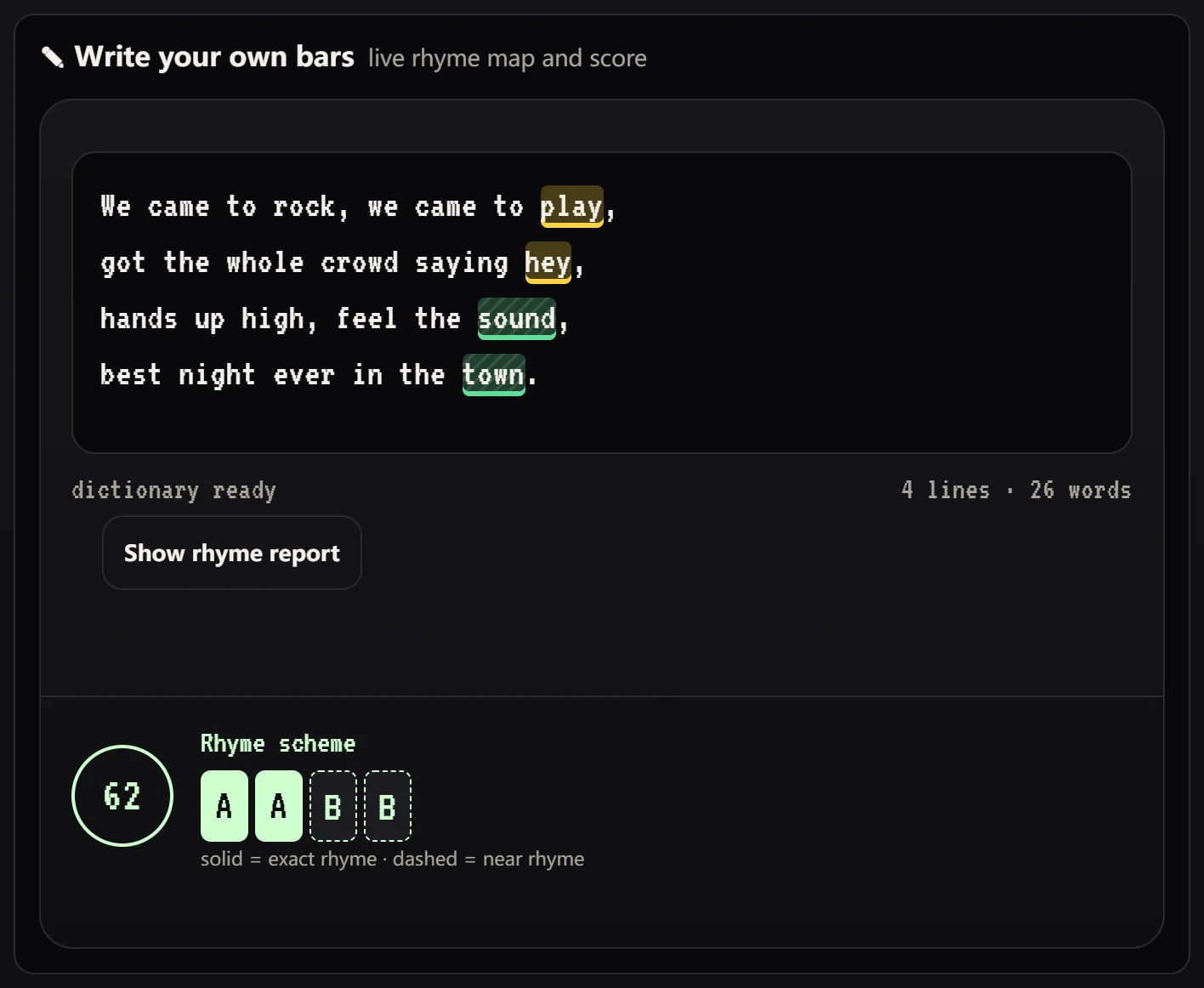
Write your own bars
Words that rhyme share a colour as you type, with a rhyme scheme, a score and rhyme suggestions for lines that miss.
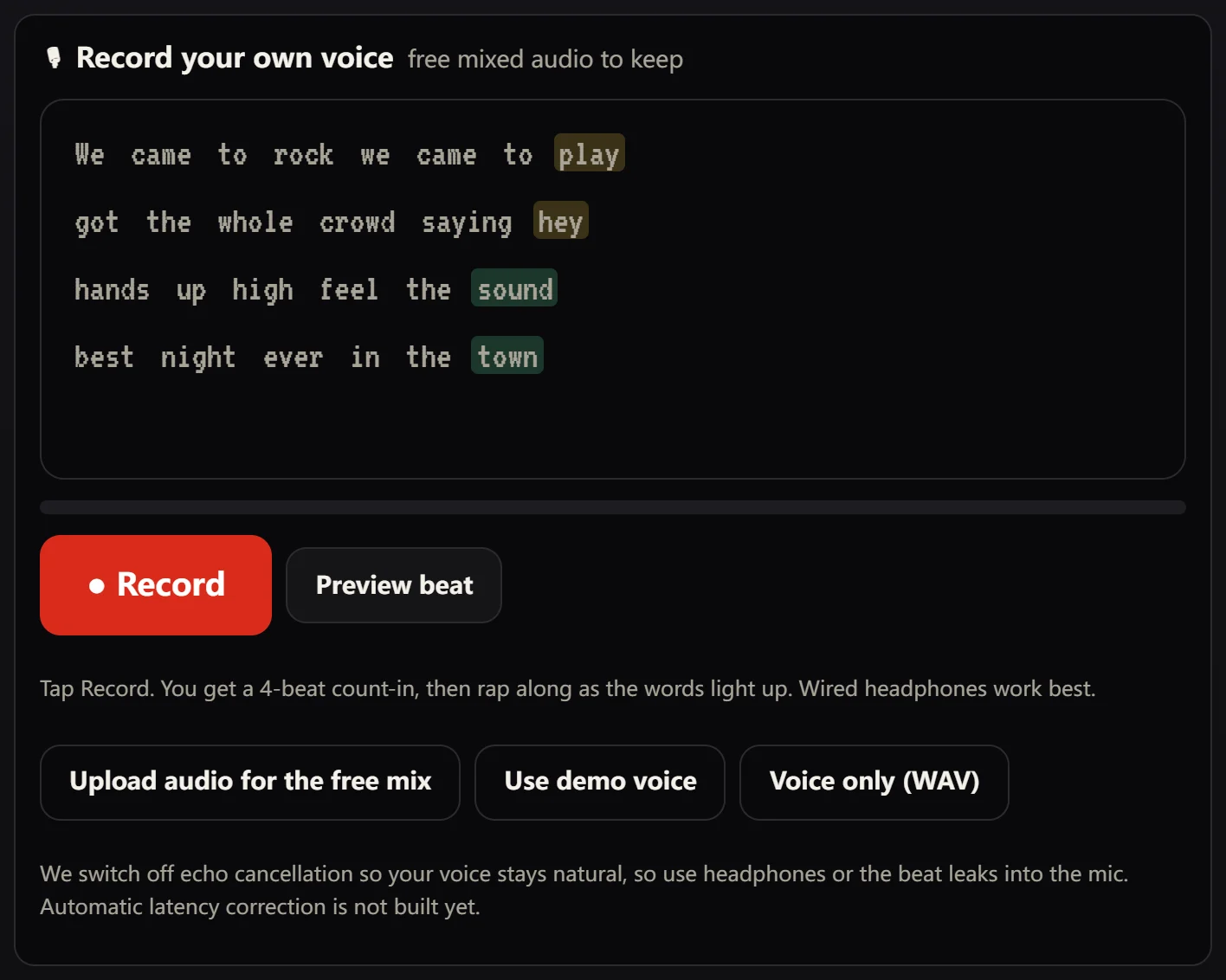
Record your own voice
Rap over an original beat with a teleprompter that lights up your rhymes. Keep the mixed audio free.
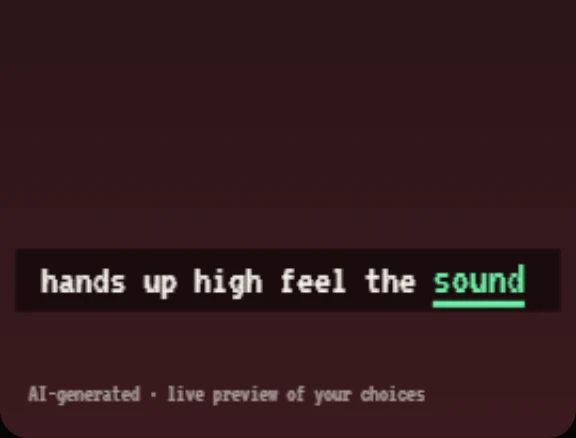
Rhyme-coloured captions
Captions that colour the words that rhyme, so the bars are easy to follow and to share.
How to make an AI rap video in three steps
No prompts, no editing software and nothing to install.
Add a photo
Choose one clear, front-facing photo of yourself or of an adult who agreed. For two rappers, add a second photo or use one photo of both.
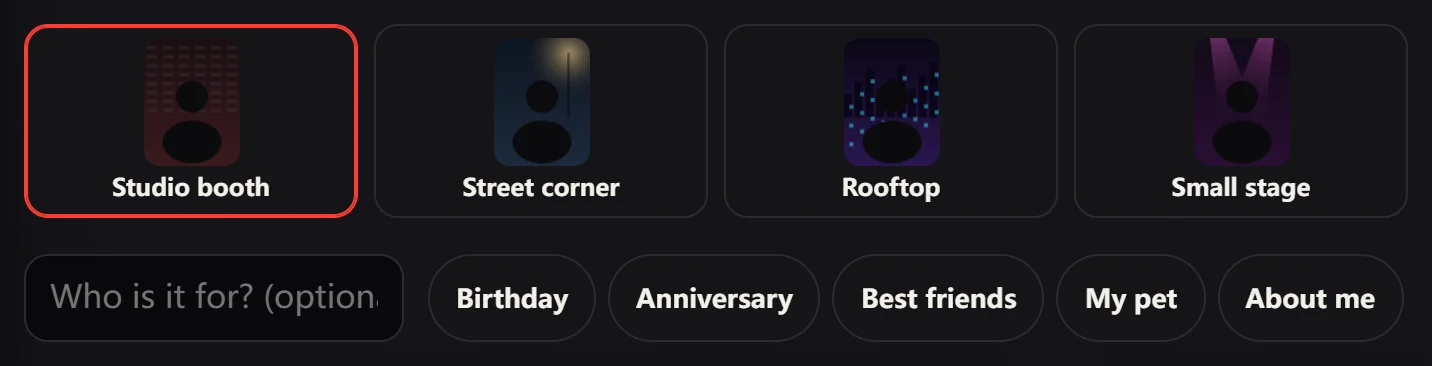
Pick a stage and a theme
Choose a stage, then add a name and an occasion such as a birthday, an anniversary or your pet. AI writes the verse, and you read it with the rhymes highlighted before you pay.
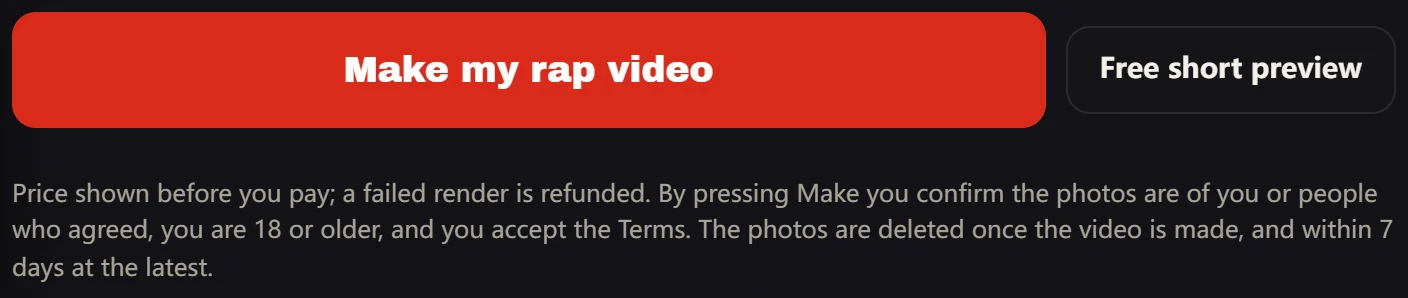
Press Make
Sign in, check the price, pay and wait while the video renders. If a render fails you are refunded. When it is ready, download your AI rap video.
What to make with an AI rap video
Five occasions are built into the picker, and each one starts a different verse.
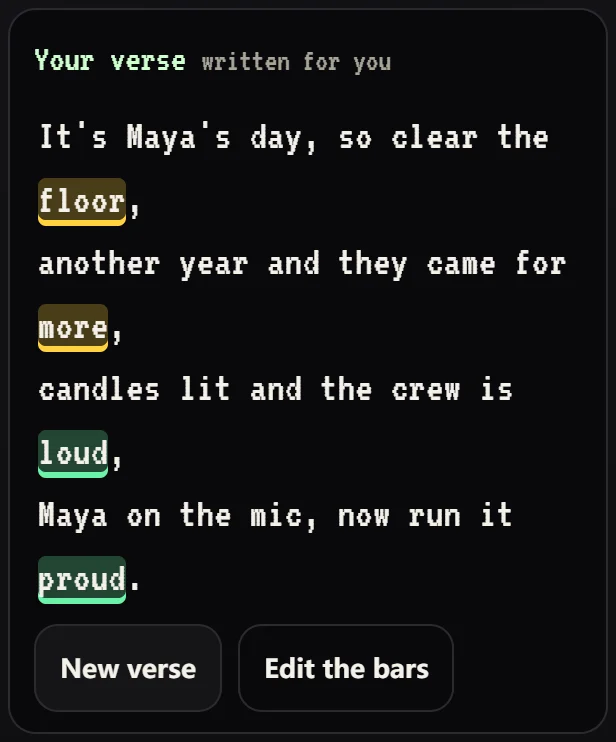
Birthdays and anniversaries
Turn a name and a moment worth celebrating into a short verse: a birthday shout-out, an anniversary dedication or a toast that rhymes.
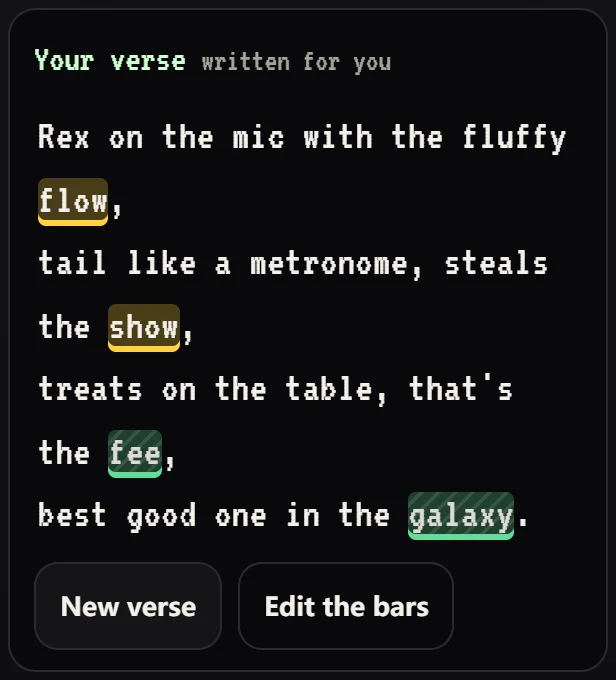
Best friends and pets
Put two friends in one video, or let your dog or cat take the mic. Pick the pet occasion and the verse is written around them.
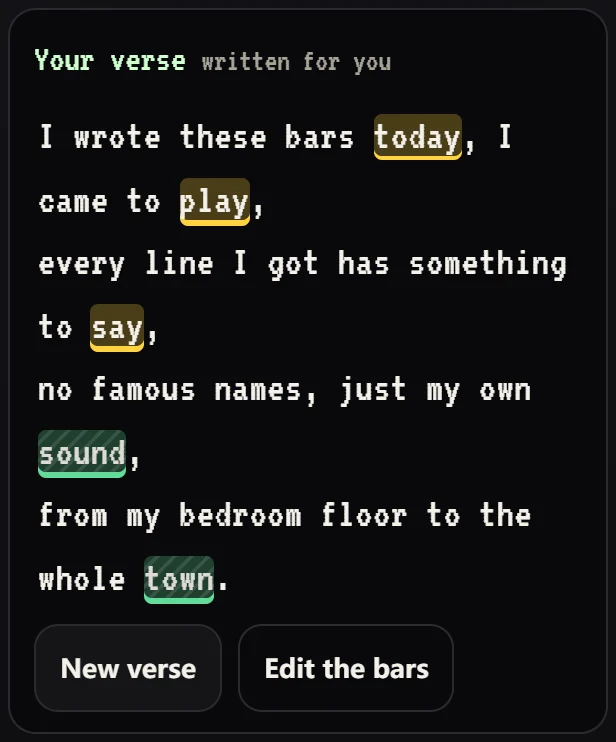
A rap about you
A rap about yourself works as a bio, a gift or a joke for the group chat. Edit the lines if you would rather write your own bars.
Tips for a better AI rap video
- Use a sharp, well-lit photo with the whole face visible. Avoid sunglasses, heavy filters and group shots.
- Keep the verse short. Four lines fit about 11 seconds; a longer verse needs a longer video.
- Open “Write your own bars” to see which words rhyme and which lines miss, and fix them as you type.
- Upload only photos you have the right to use: yourself, an adult who agreed, or your pet. No celebrities and nobody under 18.
- Say the video is AI-generated when you post it.
What is free, and what you pay for
You see your verse and a preview before you pay.
| Step | Cost | What you get |
|---|---|---|
| Pick photo, stage and occasion | Free, no account | A live preview and the verse AI will rap, with rhymes highlighted |
| Free short preview | Free, one per account | A short taste of the result |
| Full video | Paid, price shown first | Your photo raps the verse with captions; a failed render is refunded |
| Own bars and own voice | Free | Rhyme map, original beats and your recording as a WAV file |
How rapgen differs from other AI rap video makers
Compared with typical AI rap video generators. Based on two public competitor pages we read on 24 October 2026; marketing changes, and rows marked “target” are not built yet.
| Feature | Typical generator | rapgen |
|---|---|---|
| To get a video | Two photos (or one photo of both), a stage, press create | One photo is enough (or two), a stage, press Make |
| The verse | Written by AI from a short topic; we found no way to see or edit it first | Shown with rhymes highlighted before you pay, and editable |
| Try before you pay | A short watermarked preview (one of the two) | Free short preview, one per account |
| Your own voice | Upload a short audio file (about 2–15 seconds) and it is used in the video | Record on an original beat and keep the free audio. Uploads are only for that free mix; using your own recording in the video is a target |
| Captions | Not shown on their pages | Rhyme-coloured captions (target) |
| Pricing | Credits by model, resolution and seconds | One price per length of video, shown before you pay |
Free rap tools
Each tool works without an account.
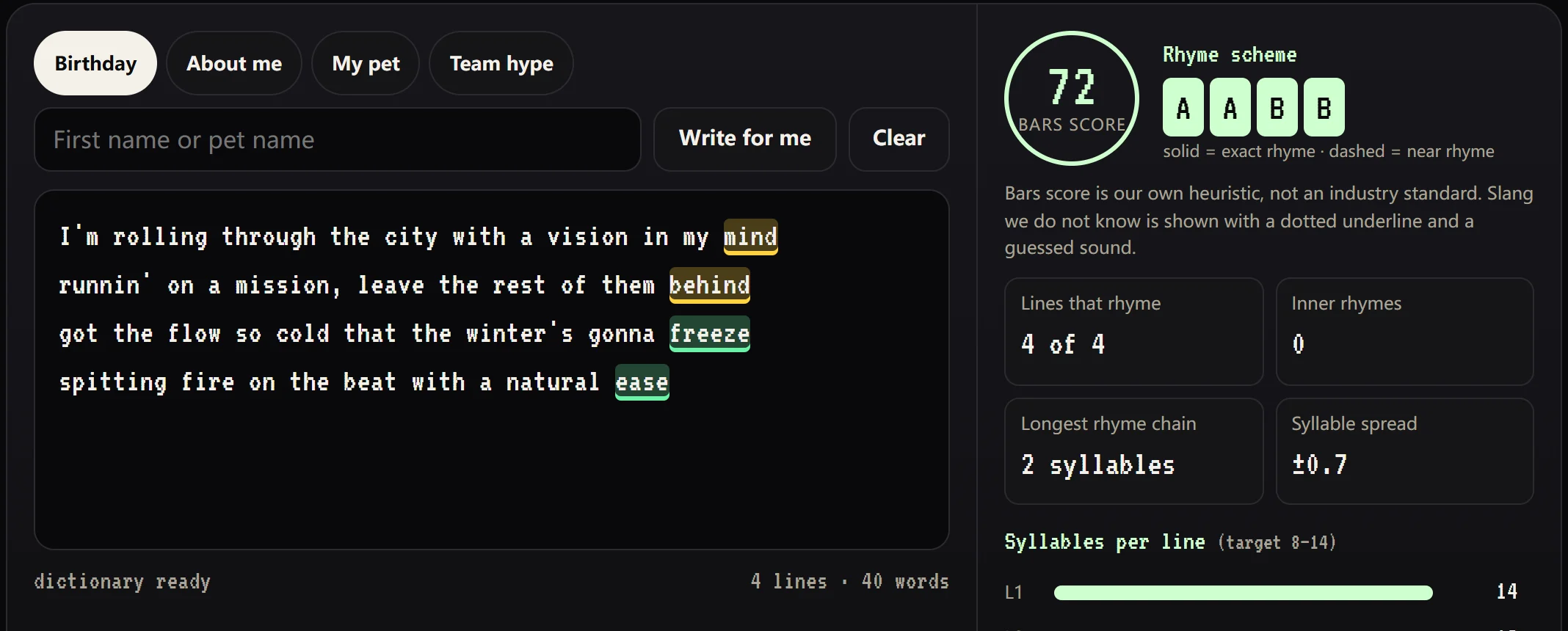
Rap rhyme checker
Paste lyrics, see rhyme chains, scheme and score.
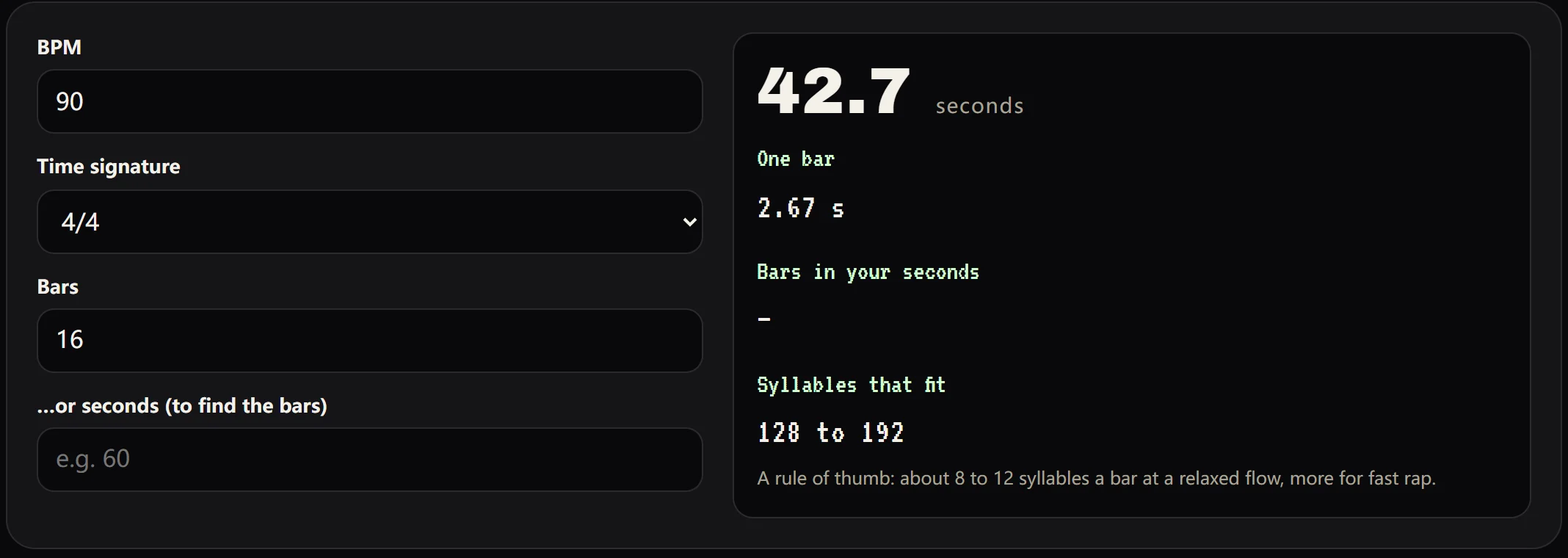
Bars calculator
How long is 16 bars at 90 BPM? And how many syllables fit?
- 01Rap rhyme checkerfree tool
Paste lyrics, see rhyme chains, scheme and score.
- 02Bars calculatorfree tool
How long is 16 bars at 90 BPM? And how many syllables fit?
- 03Rhyme finderP1
Multi-syllable rhymes, sorted by how common they are.
- 04Syllable counterP1
Line by line, with a flow check.
- 05Rap lyrics generatorP1
A starting verse you can edit.
- 06Rapper name generatorP2
Quick, shareable, free.
Pay per rap video. Price shown first.
The price is shown before you pay. Lengths assume about 90 BPM: faster beats make shorter videos.
4 bars · about 11 s · the default
- A full 4-line verse
- Failed render is refunded
8 bars · about 21 s
- For longer verses
- Failed render is refunded
16 bars · about 43 s
- Longer cuts depend on the video model
- Failed render is refunded
AI rap video questions
Do I have to write or record anything?
No. Add a photo, pick a stage and press Make: AI writes a verse about you and raps it. Writing your own bars or recording your own voice is optional.
Whose voice does the AI use?
A generic AI voice, and rapgen never clones a voice. Template videos are different: they are unofficial fan versions of viral clips that follow the clip’s style, and one plays an excerpt of the original song, which stays subject to its owners’ rights.
Is writing bars and recording free?
Yes. The rhyme map, the beats, recording and the mixed audio download are free and need no account. You pay only for the video.
Are my photo and voice used to train AI?
No. They are private and used only to make your video. Photos are deleted once your video is made, and within 7 days at the latest. How long our video partner keeps what it receives is still being confirmed.
Can I use someone else’s lyrics or a celebrity’s photo?
Only lyrics you have the rights to, and only a photo of yourself or people who agreed. Our own beats are original; a template video can use a song excerpt that belongs to its owners. We remove videos on a rights holder’s request.
Which languages work?
English for now. The rhyme engine is English-only today; Spanish and Portuguese are planned.
Make your first AI rap video
Add a photo, see the verse and the live preview for free, and pay only when you press Make. A failed render is refunded.